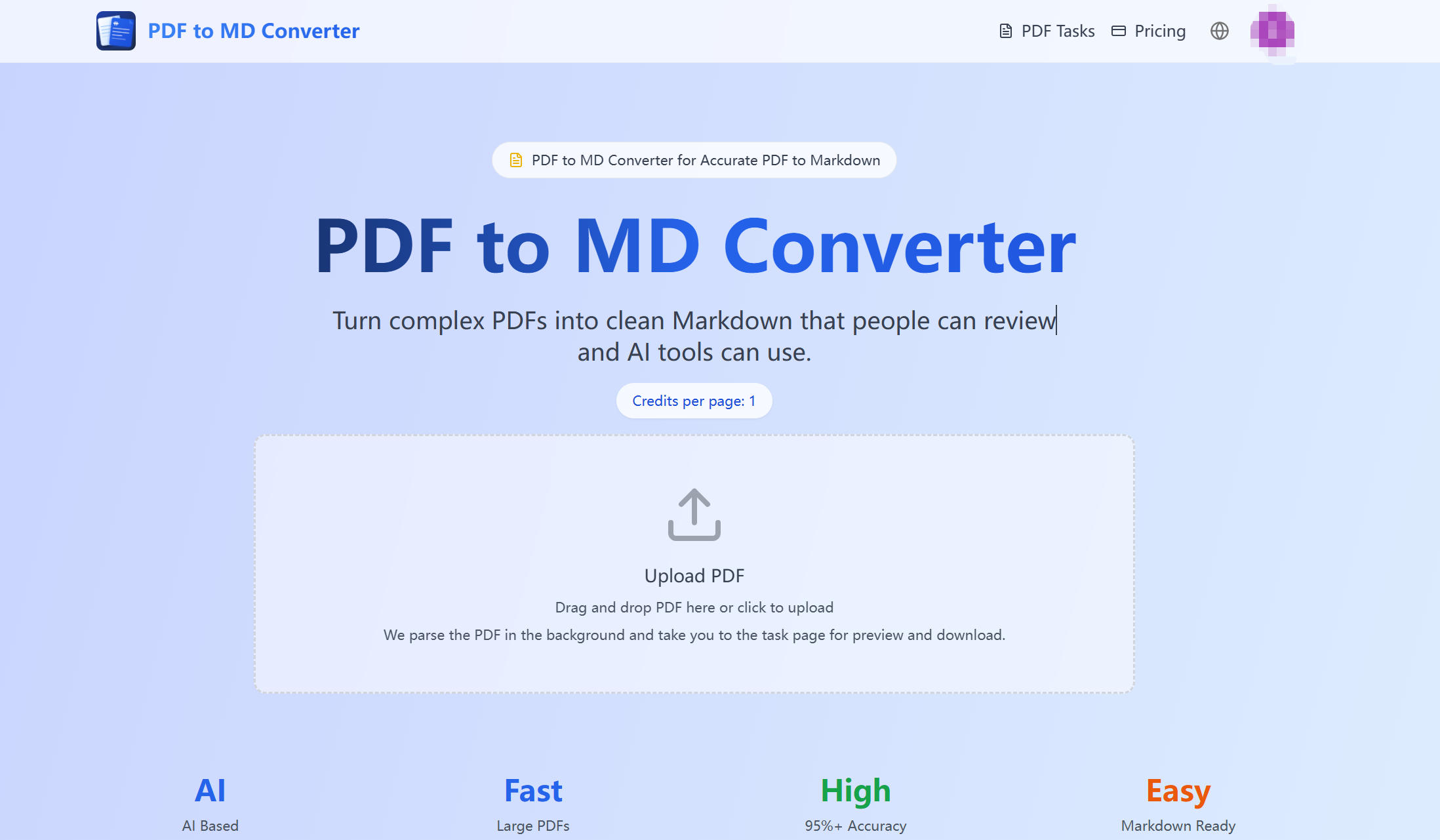
PDF to MD Converter](https://pdftomdconverter.com/) is an AI-powered tool that turns complex PDFs into clean, structured Markdown — ready for people to read, edit, and AI tools to use. No broken copy-paste dumps. Just accurate, usable Markdown output.
PDF to MD Converter uses AI layout detection and vision language models to analyze your PDF before writing Markdown. This means headings, paragraphs, tables, images, and reading order are preserved in the output — making PDF to MD Converter far more reliable than basic text extractors that return broken lines.
Processing runs in the background, so long PDFs with hundreds of pages can be handled without keeping the homepage open.
🤖 AI-Based Parsing
PDF to MD Converter uses layout detection and vision language models to preserve headings, tables, images, captions, and reading order in every PDF to Markdown result.
📄 Built for Hundreds of Pages
PDF to MD Converter supports long PDFs — manuals, reports, lecture notes, and research files — with background processing so you can leave and return to the task page.
📊 Tables, Images & Mixed Languages
PDF to MD Converter extracts table structure, includes image assets, and currently supports both Chinese and English.
⚡ Better Input for AI Workflows
After PDF to MD Converter finishes, AI tools can read sections, lists, and tables far more efficiently than raw PDF pages — ideal for summaries, search, and Q&A.
👤 Made for Ordinary Users
Upload a file, check the task page, and download Markdown. PDF to MD Converter handles all OCR-style parsing and model work behind the scenes.
Step 1 — Upload Your PDF
Choose a PDF and submit it to PDF to MD Converter from the upload panel (drag and drop or click to upload).
Step 2 — AI Parses the Document
PDF to MD Converter analyzes layout, text blocks, tables, images, and reading order for high-quality Markdown output.
Step 3 — Track Progress
Long PDFs continue processing in the background. Leave the homepage and return to the task page anytime.
Step 4 — Preview & Download
When processing finishes, preview your Markdown in the PDF to MD Converter task page and download Markdown or a ZIP with extracted assets.
| Metric | Result |
|---|---|
| 📄 PDF Pages Processed | 250,000+ |
| 🎯 Parsing Accuracy | 95%+ on supported document types |
| 📚 Pages per PDF | Hundreds supported |
| 🌐 Languages | Chinese & English |
| Use Case | How PDF to MD Converter Helps |
|---|---|
| 🔬 Research & Study | Turn papers, lecture notes, and reading packets into AI-ready Markdown |
| 📖 Documentation Teams | Move PDF manuals, release notes, and legacy guides into docs systems |
| 📊 Reports & Internal Knowledge | Convert reports with tables and charts into searchable Markdown |
| 🔄 Batch Workflows | Process long PDFs and repeated document work efficiently |
| Feature | PDF to MD Converter | Manual Copy & Cleanup | Basic PDF Tools |
|---|---|---|---|
| Method | AI layout detection + vision models | Copy, paste, reformat, repeat | Text-layer or OCR based |
| Accuracy | 95%+ on supported types | Depends on human time | Often weaker on complex layouts |
| Large PDFs | Hundreds of pages ✅ | Possible but slow and tiring | May struggle |
| Tables & Images | Designed to extract both ✅ | Manual reconstruction | Usually basic or inconsistent |
| Best For | Research, docs, reports, AI workflows | One-off perfect hand editing | Simple plain-text PDFs |
PDF to MD Converter uses 1 credit per page. Every page runs through AI parsing, so credits reflect the real model cost. The goal is useful, accurate Markdown — not the cheapest or fastest extraction.
| 💰 Cost | 1 credit per page |
| 🎯 Accuracy | 95%+ on supported document types |
| 📄 Max PDF Length | Hundreds of pages |
| 🌐 Languages | Chinese & English |
| 📤 Output | Markdown file or ZIP with assets |
| ⚙️ Processing | Background — no need to wait on homepage |
| 🎯 Best Use | Research, documentation, reports, AI workflows |
When structure matters, PDF to MD Converter turns your complex PDFs into clean, AI-ready Markdown — upload your file and get structured output in minutes.
Love Meter maps every score into one of five named Couple Types: Opposites, Slow-Burn, Playful, Magnetic, Power.
ADHD Test - an educational self-screen built on the WHO/Harvard ASRS v1.1 screener.
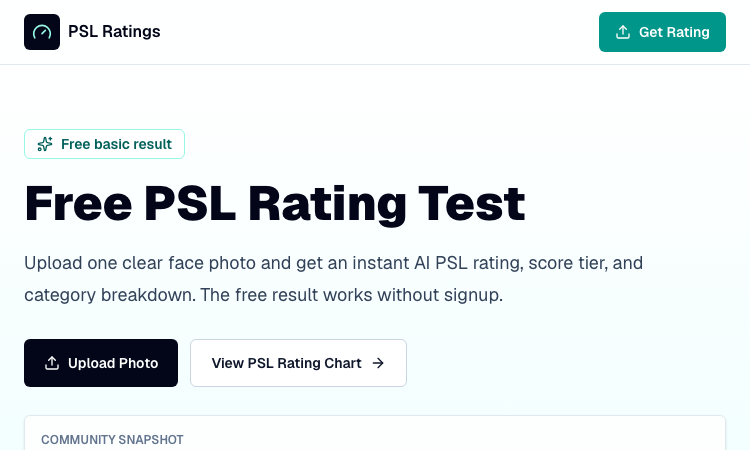
Free PSL Rating delivers a private, in-browser PSL attractiveness score with a photo confidence rating.
AI-Powered Facial Attractiveness Evaluation
AI-powered impromptu speaking practice — from random topic to real feedback.
Accurate PDF to Markdown Conversion
